
Rhyme Highlighting as You Type
Seeing your rhyme scheme is far more useful than rhyming by ear alone. Lyrcs gives every rhyme its own color the moment you type it, so where your rhymes land, where they thin out, and where an internal rhyme is hiding are all visible at a glance.
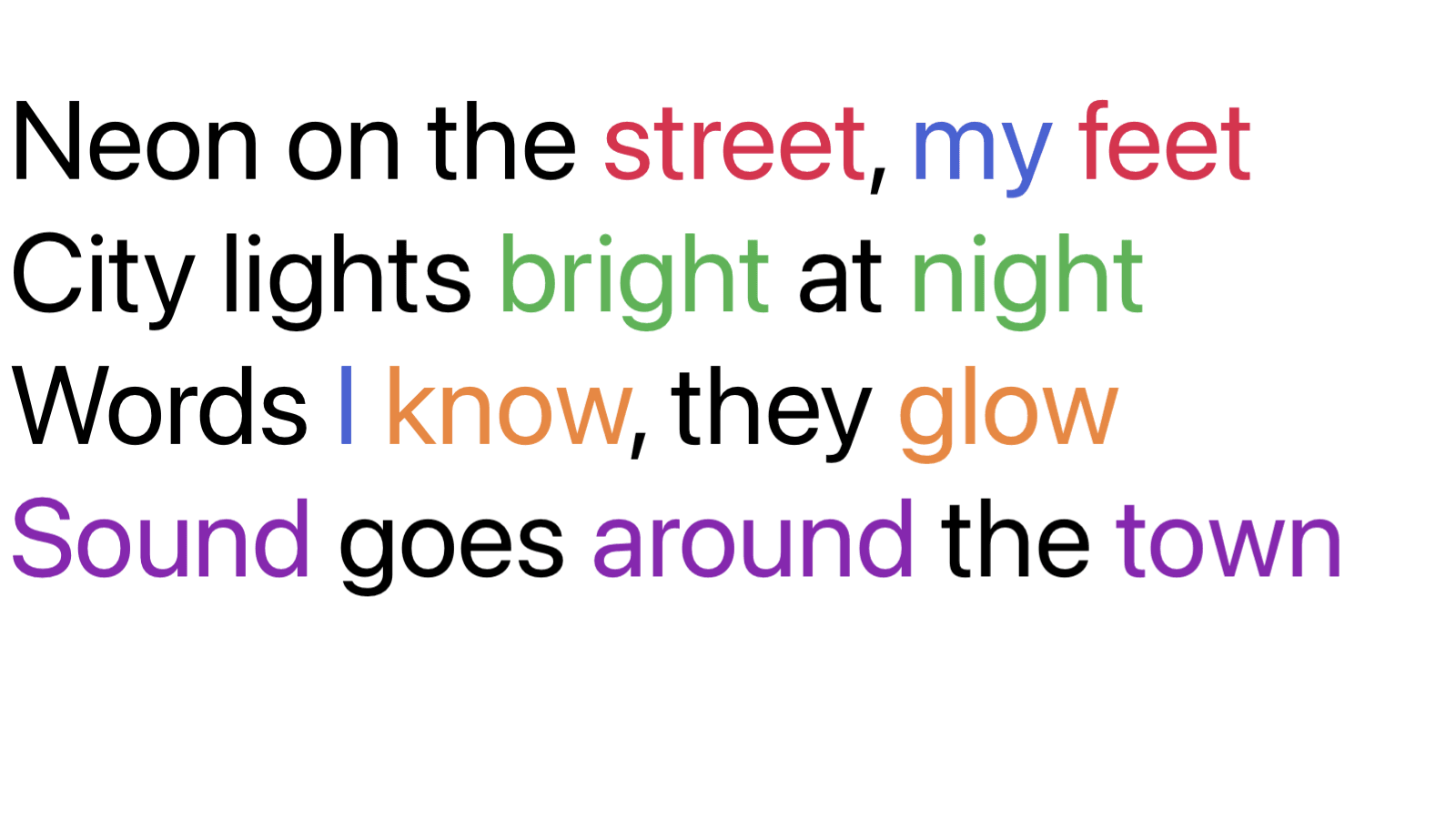
Perfect rhymes
Words that rhyme are given the same color the moment you type them, so rhyme schemes are visible at a glance.
End of line or any word
Choose whether highlighting only looks at the last word of each line, or considers every word on any line so internal rhymes light up too.
Group by section or file
Decide whether rhymes are matched within each section or across the whole file, so a chorus and a verse can be colored independently.
Highlight identical words
Optionally mark repeated identical words so you can spot when you have leaned on the same word twice.
20 distinct colors
Twenty separate rhyme colors mean even dense, multi-rhyme passages stay readable.
Color-blind friendly
The rhyme colors are chosen to stay distinguishable for people with color blindness, so the rhyme scheme is still readable no matter how you see color.
Custom near rhymes
Tell Lyrcs that any two words rhyme, no matter how different they sound, like "home" and "alone", and it highlights them together from then on.
Try Lyrcs
Counts every syllable and lights up every rhyme, so you can create your best lines. On iPhone, iPad, and Mac.